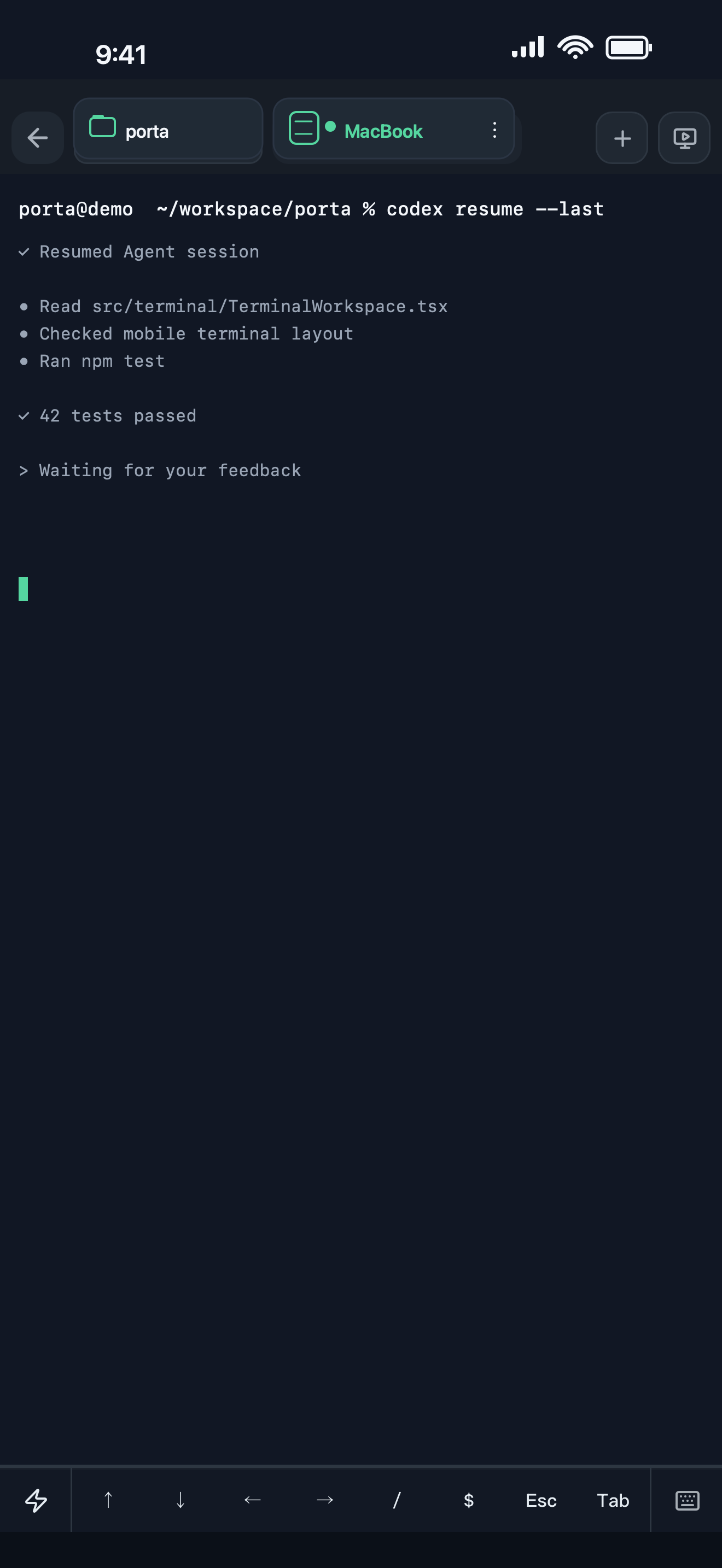
| Job to be done | Porta | Otty |
|---|---|---|
| Primary platform | iPhone, iPad, and Android control surface for remote work. | Native desktop terminal; the official site currently offers macOS downloads. |
| Terminal model | Connects to remote shells and durable tmux context. | Provides its own native, GPU-accelerated terminal, panes, and session recovery. |
| Agent awareness | Agent Inbox, exact return actions, remote task context, usage, and previews. | Agent status badges, history, resume/fork support, composer, and prompt queue are documented. |
| Product review | Web or Android Product Preview plus phone-originated visual feedback. | The official site describes live preview inside the desktop terminal workspace. |
| Primary fit | Mobile continuity and product verification away from the desk. | A refined desktop terminal that is tuned for coding Agents. |
Choose Porta when
the phone must remain inside the remote Agent, build-review, and feedback loop.
Choose Otty when
the native desktop terminal experience is the primary job.
Otty: a focused native desktop terminal
Otty’s official site positions it between a traditional terminal and a full Agent development environment. Its documentation highlights native GPU rendering, panes, session recovery, Agent status, history, composer tools, and integrations with command-line Agents.
- Choose Otty when the desktop terminal experience itself is the main product decision.
- The official site currently offers macOS downloads and shows Windows and Linux as upcoming.
Read Otty’s official product page · Read Otty’s Agent workflow docs
Porta: the mobile side of remote Agent work
Porta is not trying to replace a native desktop terminal renderer. It makes existing remote shells and tmux sessions legible from a phone, then carries the work into Agent Inbox, Product Preview, and visual feedback.
- Choose Porta when the interruption happens after you leave the desk.
- Choose Porta when web or Android results need inspection on the phone.
- Choose Porta when SSH hosts, remote files, and port forwards belong in the same mobile workflow.
Adjacent tools can coexist
Porta is not affiliated with, endorsed by, or sponsored by Otty. A developer may use a desktop terminal such as Otty while using Porta for mobile access to remote machines; this page does not claim the products are interchangeable.
Compare all workflow categories · See Porta’s mobile SSH workflow
FAQ
Questions developers ask
- Does Otty have a mobile app?
- The official Otty product page checked on August 30, 2026 presents macOS downloads and a Windows/Linux waitlist; it does not present an iOS or Android companion.
- Can I use Porta and Otty together?
- Potentially. Otty can be the desktop terminal while Porta connects to remote SSH/tmux work from a phone. They remain independent products.
- Which product has the better terminal renderer?
- Otty explicitly centers a native GPU-accelerated desktop terminal. Porta centers mobile continuity around remote terminals and does not claim to outperform that renderer.
Let agents keep moving. Open Porta when the product needs you.
Download Porta for iPhone, iPad, or Android. Connect a machine you control and keep product judgment within reach.
Before you start
- A supported iPhone, iPad, or Android device.
- A Mac, Linux, or Windows machine reachable through SSH for remote workflows.
- No Porta account for local features; an account is required only for account-backed or Pro services.