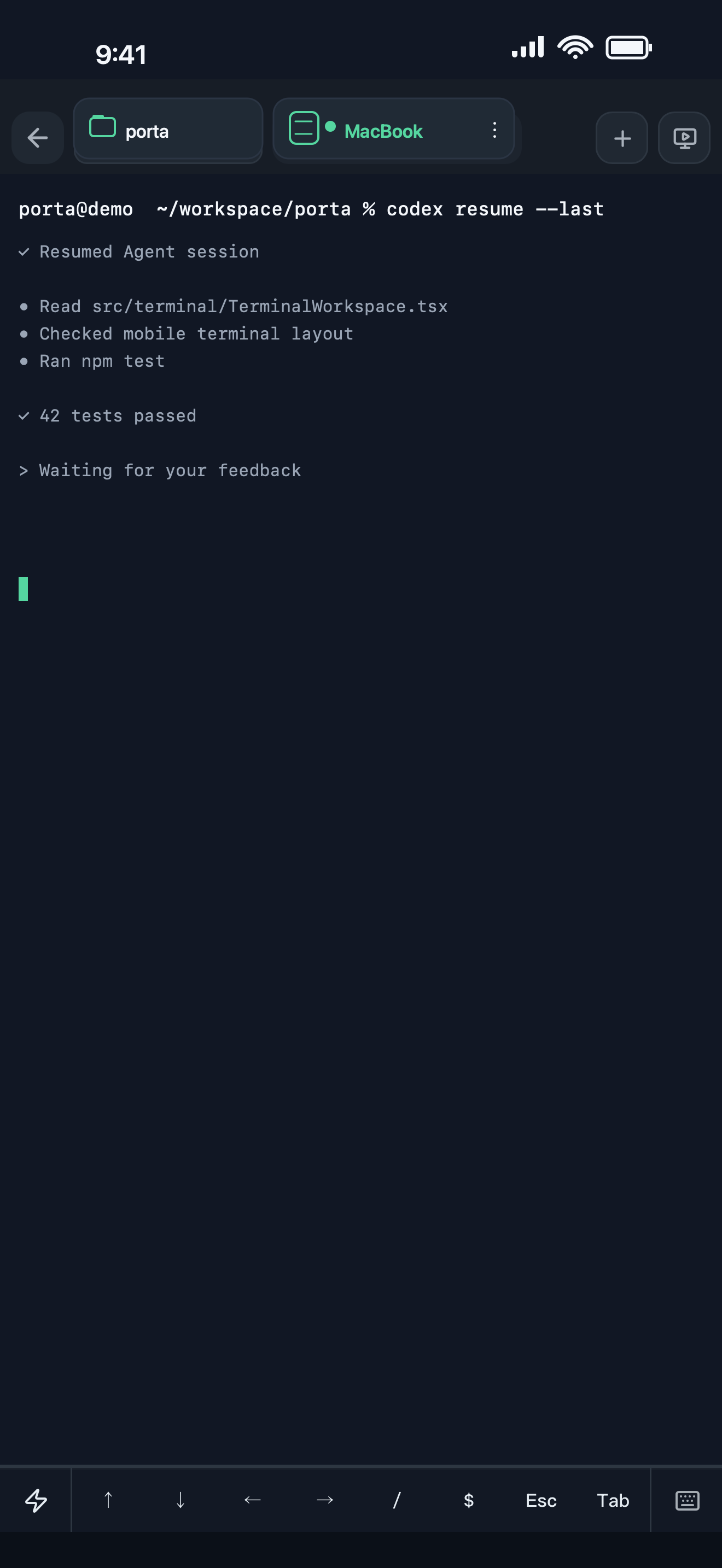
Keep the remote machine as the source of truth
Porta connects to machines you control. Your repository, shell, tmux sessions, and command-line agents continue running there; the phone does not create a disconnected copy of the development environment.
- Connect over SSH and verify host keys.
- Return to the right tmux session, window, and pane.
- Browse remote files over SFTP and reach services through local port forwards.
Stay in the decision loop
Agent-era development often waits on short human decisions: approve a direction, provide visual context, inspect a build, or answer a question. Porta concentrates those interruptions into mobile workflows that can be handled without reopening the laptop.
- Review Agent Inbox updates.
- Send screenshots, files, and precise visual annotations.
- Open Product Preview results on the device where the product will be used.
Designed for continuity, not a desktop replacement claim
Porta helps developers keep work moving while commuting, walking, testing on a device, or simply away from the desk. Deep implementation and long-form editing may still belong on a computer; Porta targets the high-value moments that otherwise force you back to it.
Let agents keep moving. Open Porta when the product needs you.
Download Porta for iPhone, iPad, or Android. Connect a machine you control and keep product judgment within reach.
Before you start
- A supported iPhone, iPad, or Android device.
- A Mac, Linux, or Windows machine reachable through SSH for remote workflows.
- No Porta account for local features; an account is required only for account-backed or Pro services.