| Product | Primary context | Start here when |
|---|---|---|
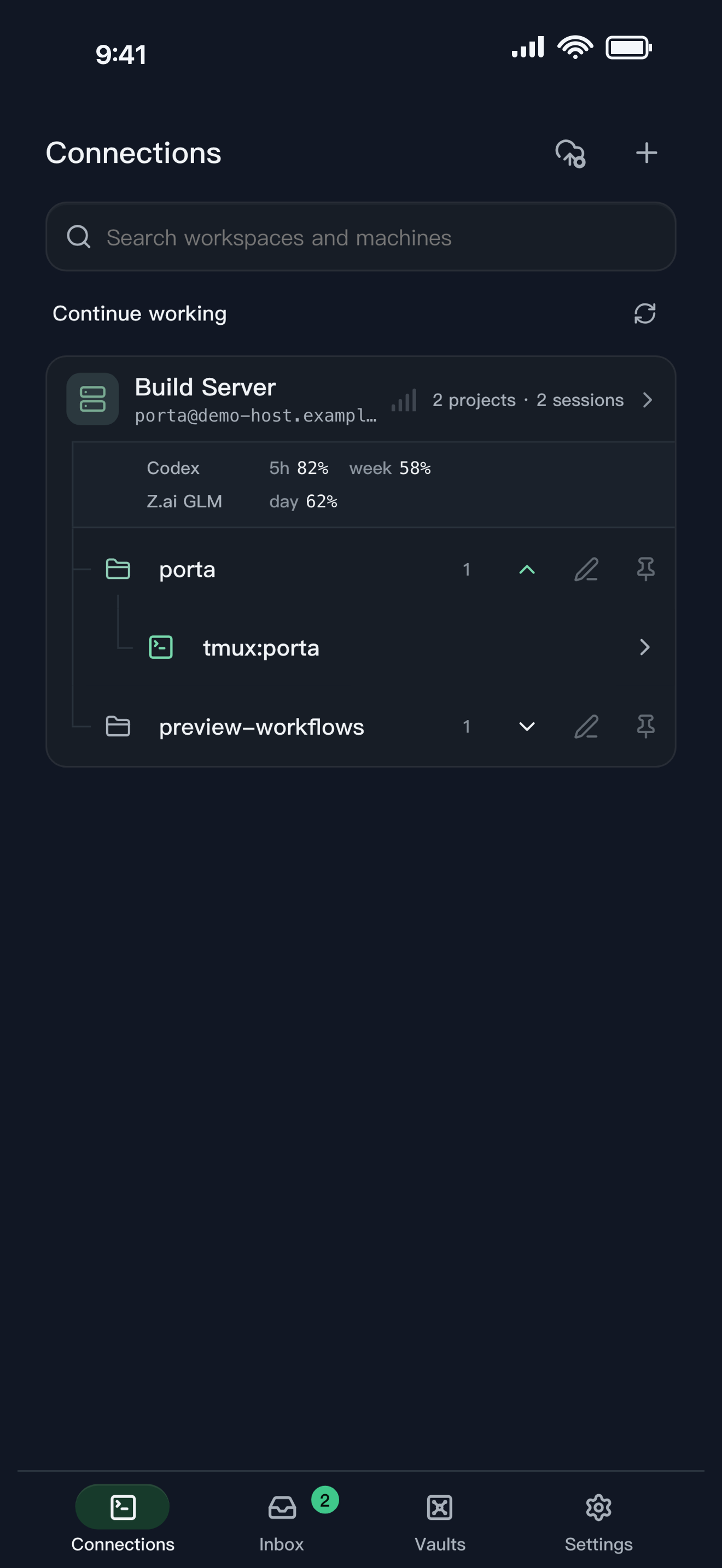
| Porta | Mobile control plane around SSH, tmux, Agent Inbox, Product Preview, and visual feedback. | You want to review and continue agent-built product work from a phone while the source stays on your machines. |
| Orca | Desktop Agent Development Environment with worktrees, browsers, diffs, and a paired mobile companion. | You want a desktop IDE for parallel agents and a mobile view into that Orca environment. |
| Otty | Native desktop terminal tuned for modern terminal and coding-agent workflows. | The quality and focus of the desktop terminal itself are the main job. |
| Termius | General-purpose SSH and remote infrastructure workspace across desktop and mobile. | Broad protocol coverage, host management, and mature remote access are the main job. |
Choose Porta when
the phone is where you decide, inspect a real build, and return feedback to remote Agent work.
Choose another center when
desktop orchestration, native terminal quality, or broad remote-access coverage is the primary job.
Start from the center of gravity
Termius centers general remote access. Otty centers a native desktop terminal. Orca centers a desktop Agent Development Environment with a paired mobile companion. Porta centers phone-first supervision, product review, and feedback around SSH and tmux work already running on your machines.
Popularity is evidence of attention, not proof of fit
Orca has a strong public open-source signal. Termius has broad cross-platform adoption. Otty has a focused native-terminal proposition. Those signals help define the category, but none answers whether your own bottleneck is remote access, desktop orchestration, terminal quality, or mobile product verification.
- Use official documentation for current capability claims.
- Treat GitHub stars, store reviews, and social attention as directional—not as product acceptance.
- Test the workflow that costs you time before choosing a tool.
Porta’s narrow claim
Porta does not claim the broadest protocol set, the deepest desktop IDE, or the fastest native terminal renderer. Its claim is narrower: keep remote Agent work attached to the decisions, build evidence, and feedback that move a product forward from a phone.
Review agent builds on your phone · See why Porta stays local-first
FAQ
Questions developers ask
- Is Porta a Termius replacement?
- Sometimes, but not universally. Porta includes SSH-oriented workflows, while Termius is the stronger starting point when broad general remote access is the primary requirement.
- Is Porta an Orca replacement?
- They overlap in Agent supervision, but their centers differ. Orca is a desktop ADE with a paired mobile companion; Porta starts from mobile control around existing SSH and tmux environments.
- Is Porta an Otty replacement?
- Usually not for the desktop terminal itself. Otty is a native desktop terminal; Porta is designed for the mobile side of remote Agent work.
Let agents keep moving. Open Porta when the product needs you.
Download Porta for iPhone, iPad, or Android. Connect a machine you control and keep product judgment within reach.
Before you start
- A supported iPhone, iPad, or Android device.
- A Mac, Linux, or Windows machine reachable through SSH for remote workflows.
- No Porta account for local features; an account is required only for account-backed or Pro services.