Preserve the topology already running
Porta treats tmux as durable remote context. Sessions, windows, and panes remain on the host and can be revisited without inventing a second mobile-only model of the work.
- Inspect sessions and windows before attaching.
- Move between parallel tasks without losing the active remote context.
- Continue command-line agent workflows inside the terminal where they already run.
Bring attention to the work that needs it
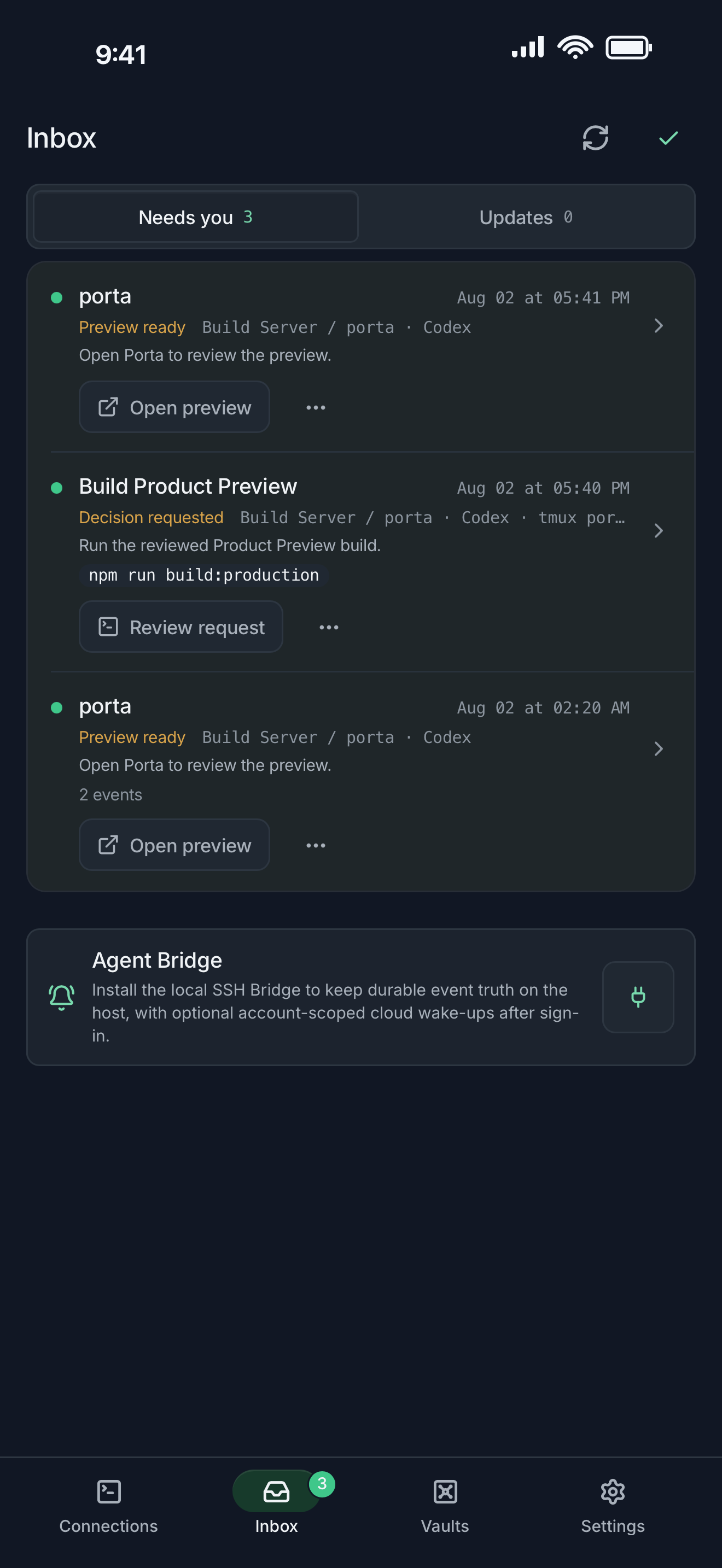
Agent Inbox turns remote progress and questions into a review queue. Instead of polling every terminal, you can identify the task that needs a decision and jump back to its working context.
- Review task updates and attention states.
- Return to the relevant project and terminal.
- Provide text, files, screenshots, or annotated visual feedback.
Complete the review loop
After the remote agent builds a result, Product Preview exposes the useful artifact to the phone for inspection. That shortens the loop from task to feedback without pretending the build happened locally.
Learn how Product Preview works · Compare Porta with Termius
Let agents keep moving. Open Porta when the product needs you.
Download Porta for iPhone, iPad, or Android. Connect a machine you control and keep product judgment within reach.
Before you start
- A supported iPhone, iPad, or Android device.
- A Mac, Linux, or Windows machine reachable through SSH for remote workflows.
- No Porta account for local features; an account is required only for account-backed or Pro services.